Track-Site
Detects, tracks and counts people crossing a virtual line in a video.
Track-Site
Track-Site is a computer vision pipeline for measuring people flow in CCTV-style video. It detects people with YOLOv8, keeps identities consistent with ByteTrack, and increments an entry counter when a tracked person crosses a virtual line.
The Problem
Manually reviewing footage to understand how many people entered an area is slow and difficult to reproduce. Track-Site turns that review into a repeatable video-processing workflow with an annotated output video and an on-screen count.
System Architecture
Video Input
	↓
YOLOv8 Person Detection
	↓
ByteTrack Persistent IDs
	↓
Centroid Position Tracking
	↓
Virtual Line Crossing Logic
	↓
CCTV Analytics Overlay
	↓
Counted Output Video
How It Works
Detection and Tracking
Each frame is passed through an Ultralytics YOLOv8 model. The pipeline filters detections to the person class and requests persistent tracking IDs so the same person can be followed across consecutive frames.
For every tracked person, the system calculates the center point of the bounding box. A small in-memory position map stores the previous vertical coordinate for each track ID.
Line Crossing Logic
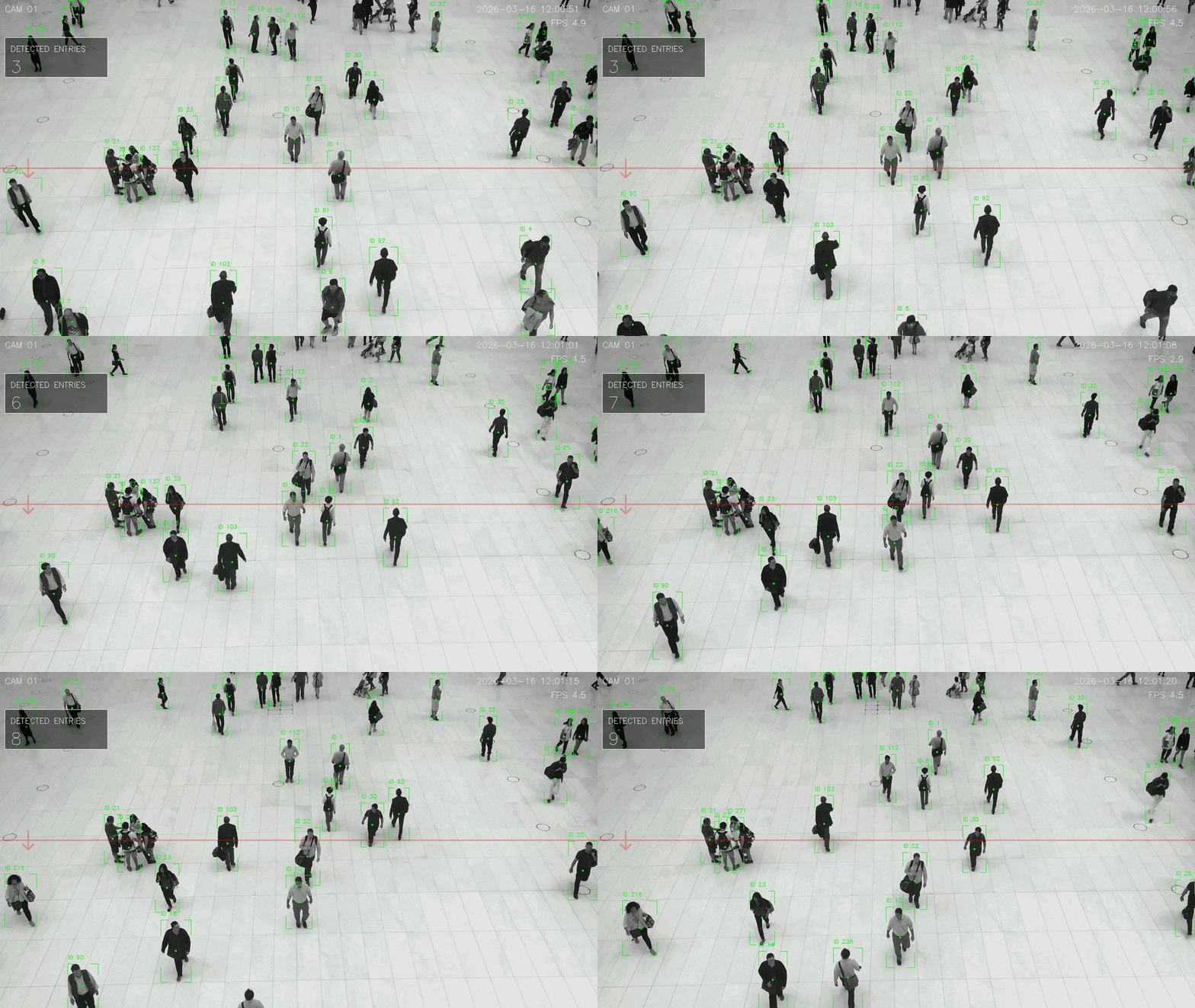
A transparent horizontal line is placed at the vertical midpoint of the frame. When a person's previous centroid is above the line and the current centroid reaches or passes it, the crossing is registered as an entry.
Each track ID is stored in a counted set after its first crossing. This prevents a person from increasing the counter repeatedly while remaining near the line.
Video Analytics Overlay
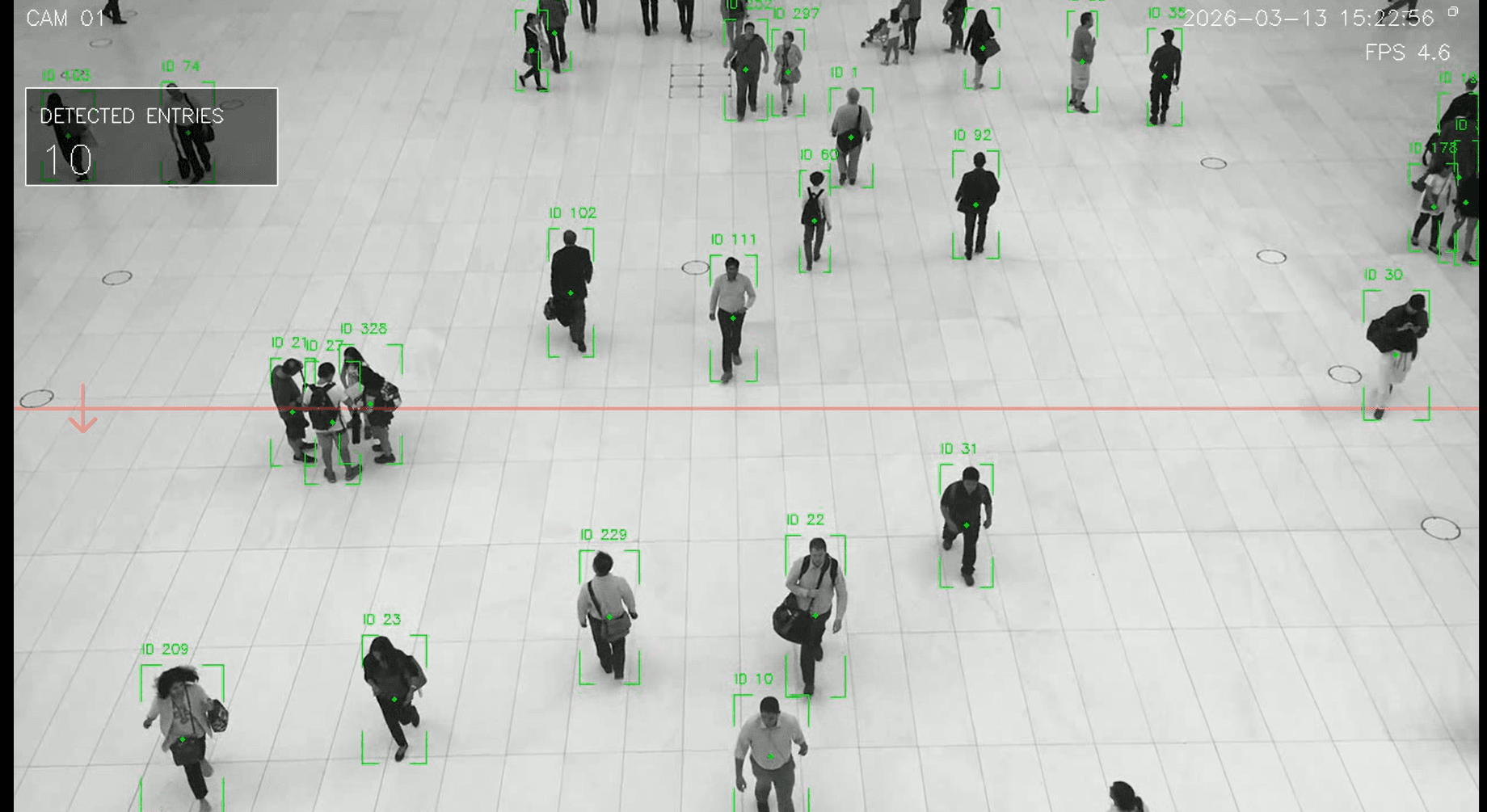
The output preserves the footage while adding a compact CCTV-style interface:
- corner-style bounding boxes around detected people
- tracked object IDs and centroids
- a semi-transparent counting line with direction arrow
- camera ID, timestamp, and calculated FPS
- a translucent panel showing detected entries
Implementation
- Detection: Ultralytics YOLOv8
- Tracking: Persistent multi-object tracking with ByteTrack
- Video Processing: OpenCV frame capture and video writing
- Counting: Centroid-based line crossing with per-track state
- Output: Annotated MP4 video saved under the
outputdirectory
Output
The processed video is written to output/counting_video.mp4.